


Text PDFs
Search documents for specific terms
Search PDFs with selectable text for custom terms and run multiple searches within the same document when needed.

Privacy · PDF · Offline
Remove sensitive content from PDFs, scans, and images securely before sharing documents. PDF Text Remover deletes confidential data permanently instead of only hiding it visually, and everything runs locally on your smartphone.
Released on Feb 21, 2026
The problem
Contracts, invoices, job applications, and bank statements often contain personal data that needs to be removed cleanly before the file is shared. A black bar alone only creates the illusion of safety.
If the original text remains in the background, it can still be copied, searched, or extracted. That is an unnecessary risk when sharing with agencies, other people, or AI tools.
The solution
PDF Text Remover combines text search for digital PDFs with an OCR workflow for scans, photos, and image PDFs. That lets you find and clean sensitive content precisely for each document type.
The result is a clean PDF without hidden original content in the background. Everything runs locally on your device, without uploads, cloud services, or external servers.
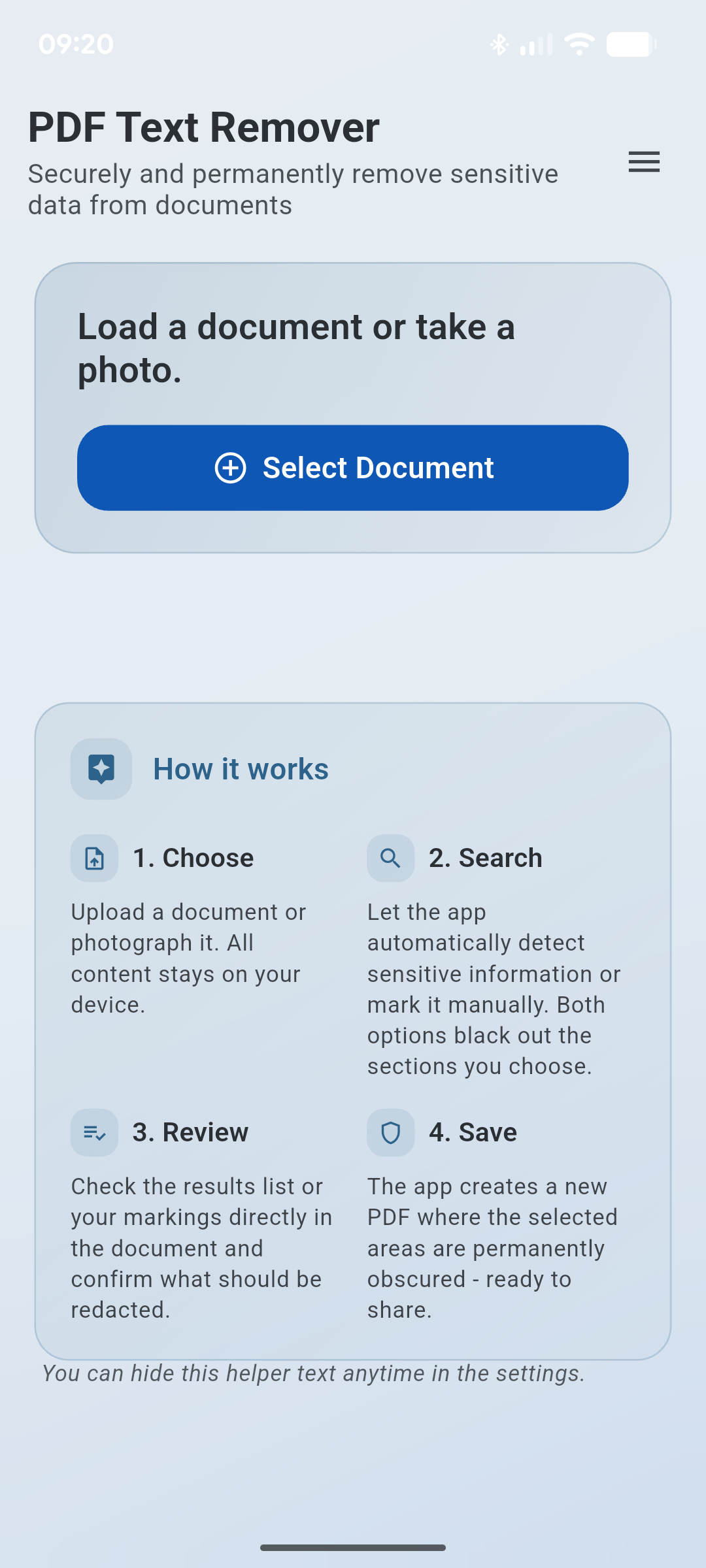
From targeted text search to an OCR workflow for scans, the app covers the full cleanup process in one clear interface.
Text PDFs
Search PDFs with selectable text for custom terms and run multiple searches within the same document when needed.
Search patterns
Save your own search patterns and bring back common terms or sensitive data without typing everything again.
Review control
Use the findings list and page navigation to enable or disable individual hits and stay fully in control.
Secure removal
Detected content is physically removed from the PDF, including hidden metadata, instead of only being covered visually.
OCR workflow
Integrated text recognition makes even non-searchable documents editable when content only exists as an image.
Interactive
Redact recognized text with a tap or mark arbitrary areas freely when sensitive content needs flexible coverage.
Smart search
Fuzzy matching, multi-word search, and Unicode support help detect terms even when OCR is imperfect.
Import and export
Import PDFs, JPGs, PNGs, Word files, Excel files, camera captures, or shared documents - and always export a cleaned PDF.
Gallery
Why this app?
If sensitive information truly needs to disappear, you need a tool that does more than look convincing. It has to remove the original content reliably from the document itself.
Typical use cases
The app is a strong fit wherever documents need to be cleaned before sharing, without leaving hidden content behind in the background.